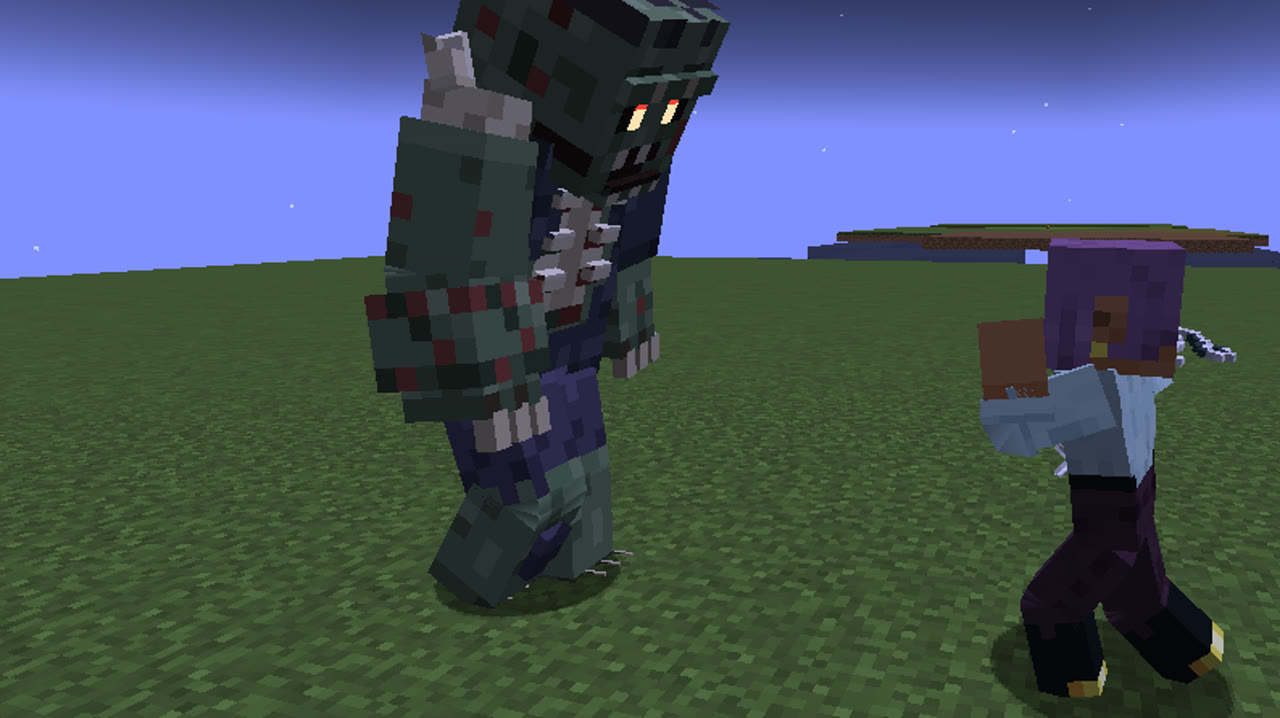
Combat
Lock-on
Keep your foe in the middle of the screen.
Locking
Press V to lock the camera on the foe nearest your crosshair, within 20 blocks and in sight. Press V again to let go.
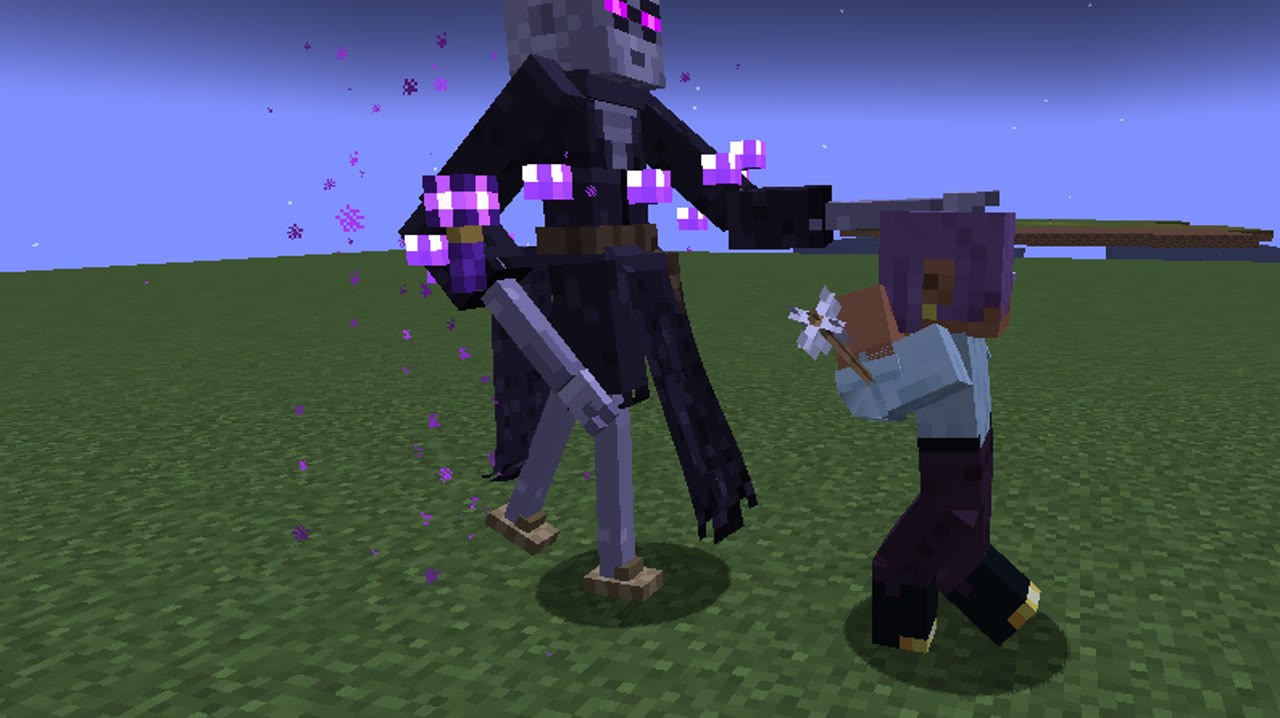
The view turns to keep the foe in the middle, and your movement keys circle around it. A turning pink diamond floats above the locked foe, with a thin health bar; the health just lost shows white as it melts.
Switching
Flick the mouse quickly to jump to the next foe that way. When your foe dies, the lock moves to the nearest other. It lets go when the foe is lost from sight or gets too far.
More in Combat
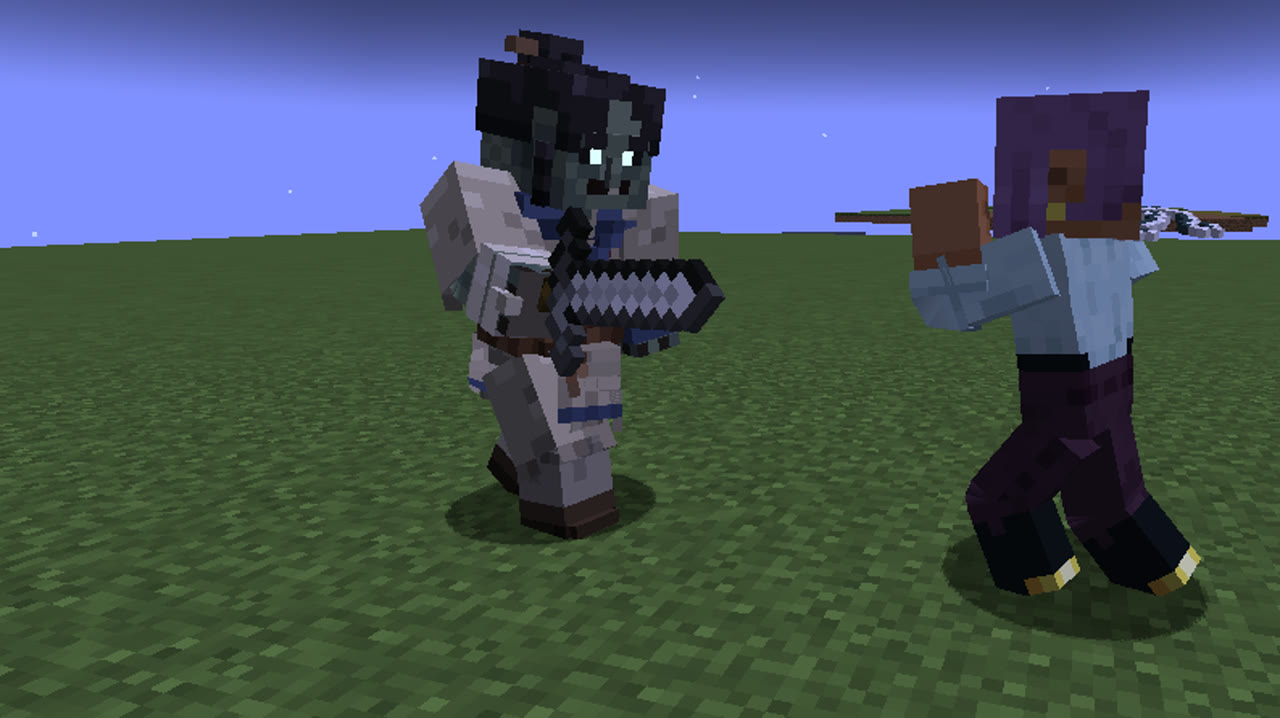
Combat modePress B and your hands become weapons.
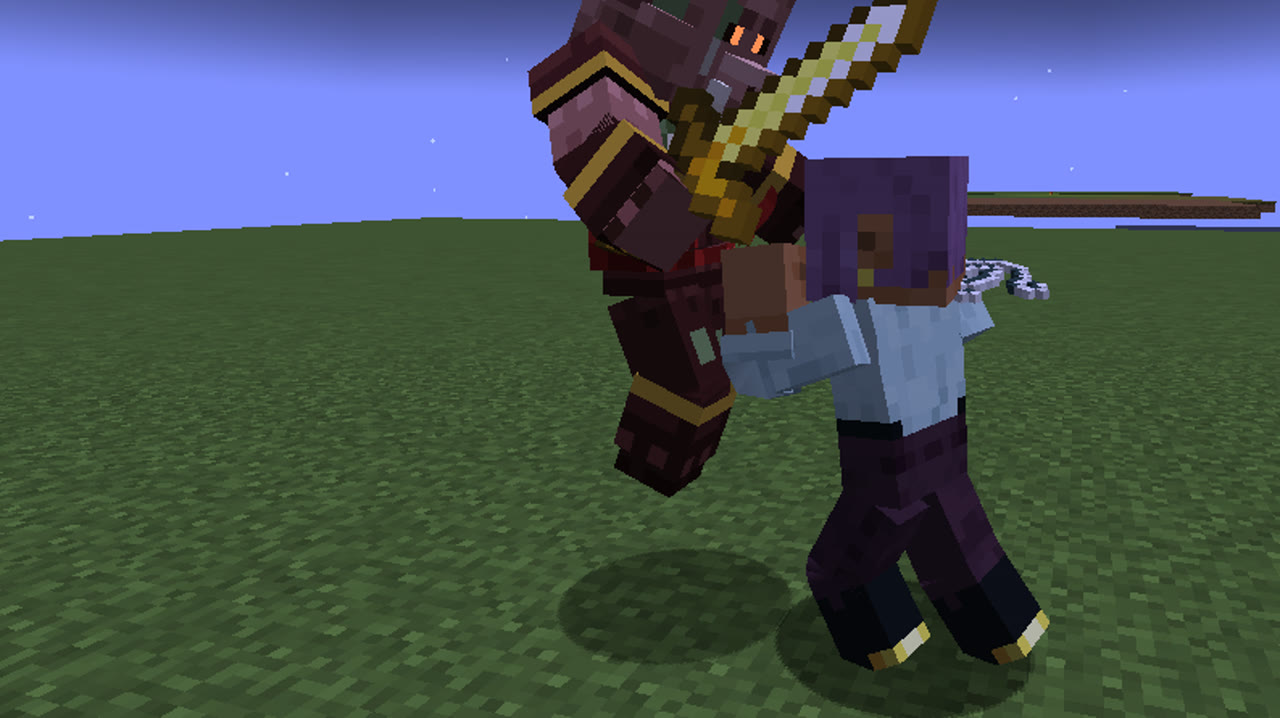
Strikes and combosJab, cross, hook, uppercut, and two strikes on the move.
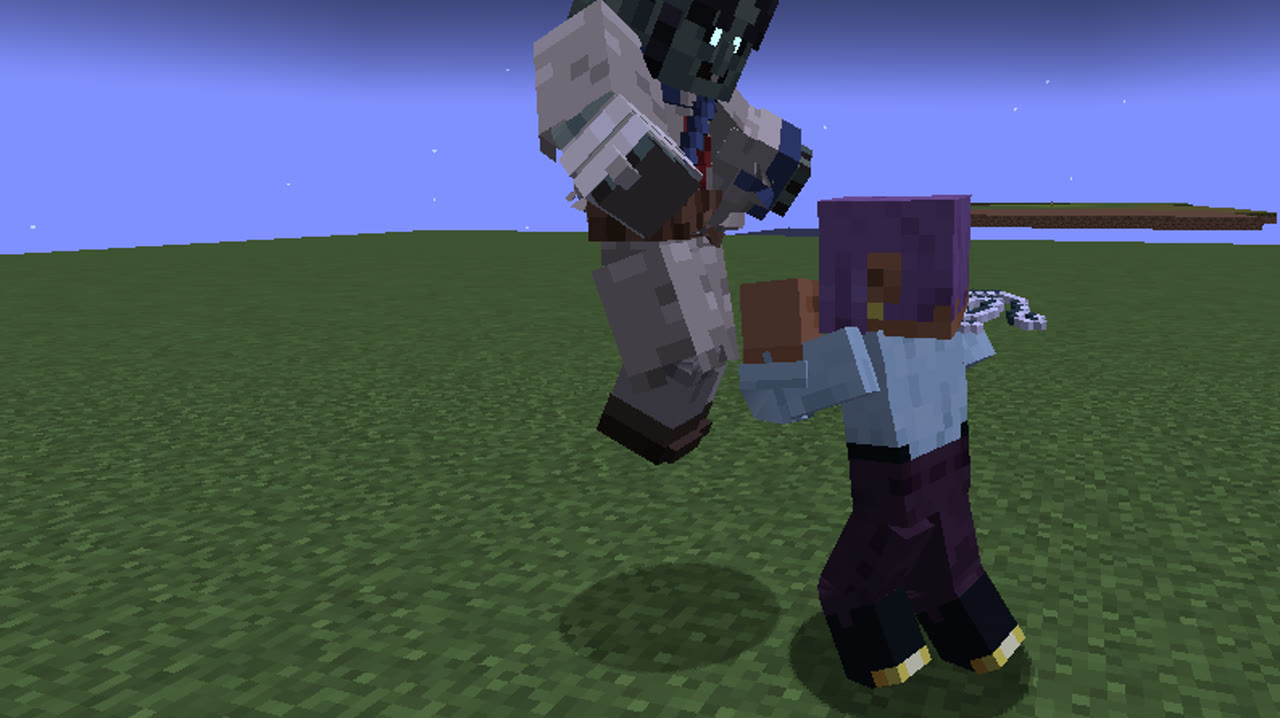
Guard and parryBlock with Qi, or meet the blow at the right moment and pay nothing.
DodgesA roll or a step, untouchable while it lasts.
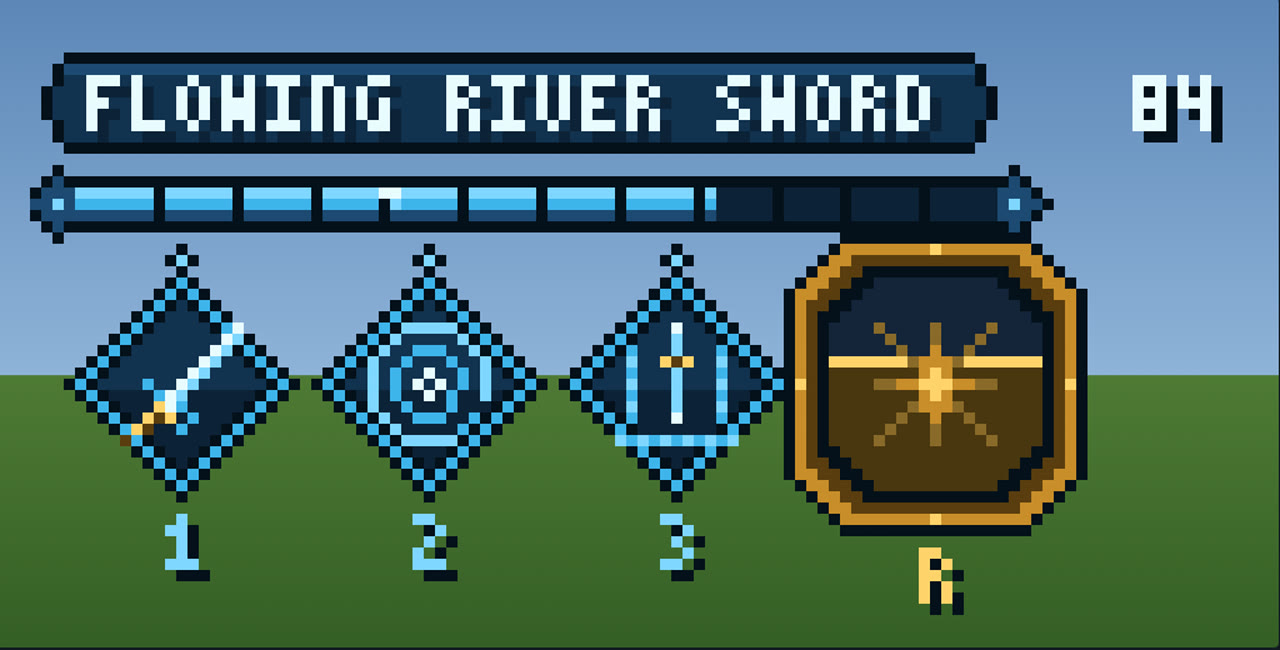
Techniques and the combat barMartial arts, their techniques and ultimates: coming soon.