Getting started
Keys
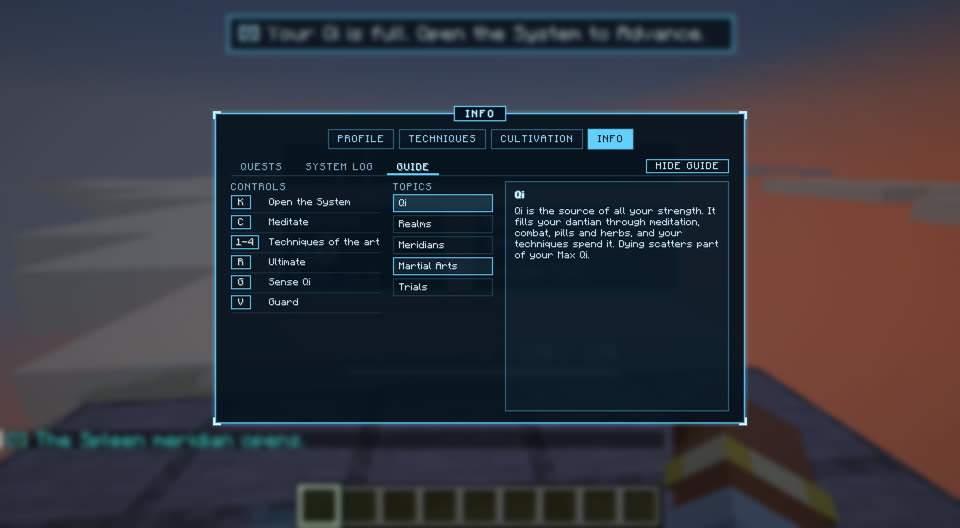
Every Murimblock key and its default. All can be changed in Controls, under Murimblock.
Murimblock keys
These keys are listed in Options > Controls > Key Binds, in the Murimblock category.
| Action | Default | Does |
|---|---|---|
| Open the System | K | Opens or closes the System menu (Escape also closes it). The game is not paused. |
| Meditate | C | Sit in lotus to cultivate. While seated, opens and closes your eyes. |
| Combat Mode | B | Turns combat mode on or off. |
| Dodge | Left Alt | In combat mode: dodges the way your movement keys point (back if none is held). |
| Lock On | V | Locks the camera on the foe nearest the crosshair; press again to let go. |
Vanilla keys in combat mode
In combat mode two vanilla keys change their job.
| Key | Default | In combat mode |
|---|---|---|
| Attack | Left click | Throws your next strike. No mining, no vanilla swing. |
| Use | Right click (held) | Raises your guard. No item is used. |
Other controls
- Sneak: rise from meditation.
- Old Master's dialogue: click or Space to finish his words, click or 1-9 to pick an answer.