Info › Combat Settings
Combat Settings & HUD size
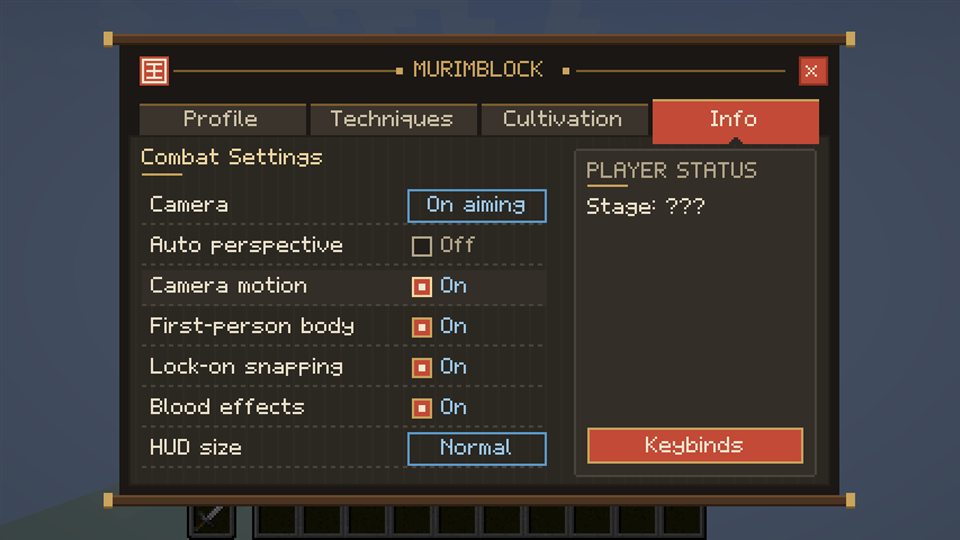
Seven settings, including the size of the bottom HUD.
Open the menu (K), go to Info, then Combat Settings.
- Camera: Classic, On aiming or Shoulder
- Auto perspective, Camera motion, First-person body, Lock-on snapping, Blood effects: on or off
- HUD size: Small, Normal, Large or Huge. It scales the combat bar, Qi bar, hearts and hunger around the bottom of the screen, with crisp pixels, and the chat moves up with it. It never grows wider than your window.
The Keybinds button opens the controls screen.