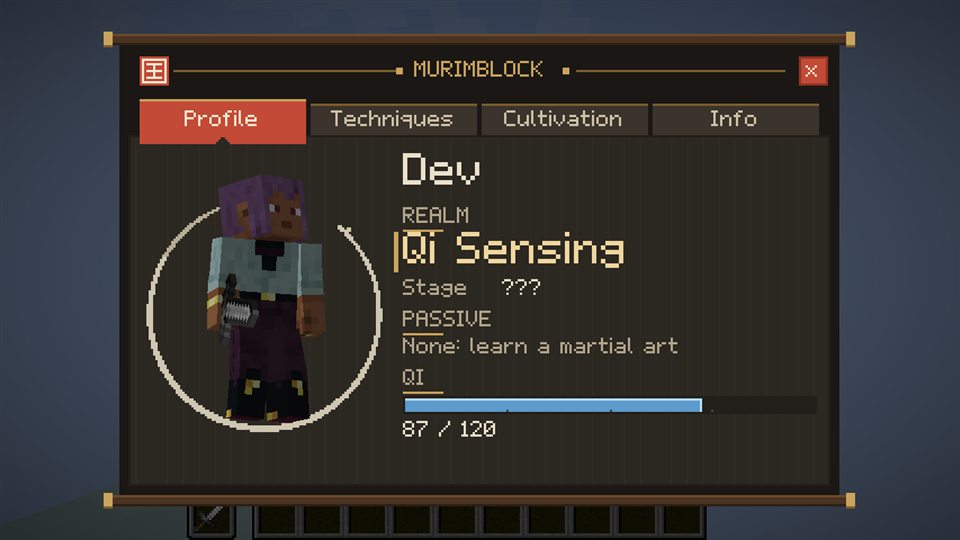
Profile: your name, realm, stage, passive and Qi
The Murim menu
Press K: Profile, Techniques, Cultivation and Info.
Press K to open the menu. It has four pages.
- Profile: your character in 3D, realm, stage, main passive and Qi.
- Techniques: a library of the manuals you carry. Open a manual to see its techniques, set your four M1 strikes and fill the combat bar (click a slot to place, right-click to clear). A manual only reveals a technique once you have unlocked it.
- Cultivation: current realm, stage, the Qi Max needed for the next stage, and the breakthrough status.
- Info: controls, your status and the Combat Settings.